OCR Prescription Analysis
A local-first prescription reader for clinicians. Photograph a handwritten prescription, have it read on the machine that took the photo, and get back a draft record that is explicit about how confident it is in every medication name.
The problem
Handwritten prescriptions are genuinely hard to read, and that is exactly why software that claims to read them is dangerous. A wrong drug name delivered confidently is worse than no software at all. So the design question was never “how do we get accuracy up”, it was “what does a clinician need to see in order to trust or reject each individual line?”
Showing the work
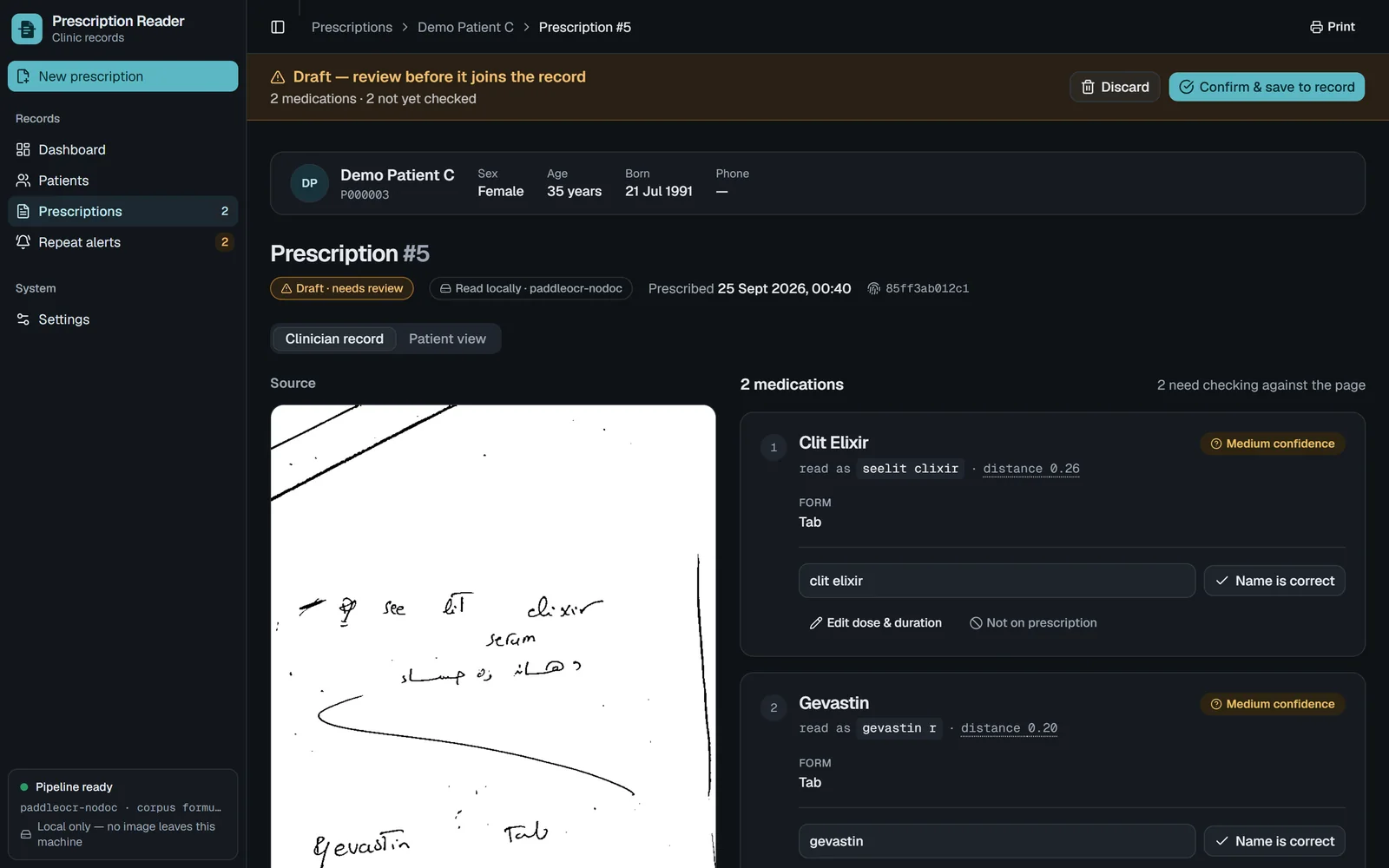
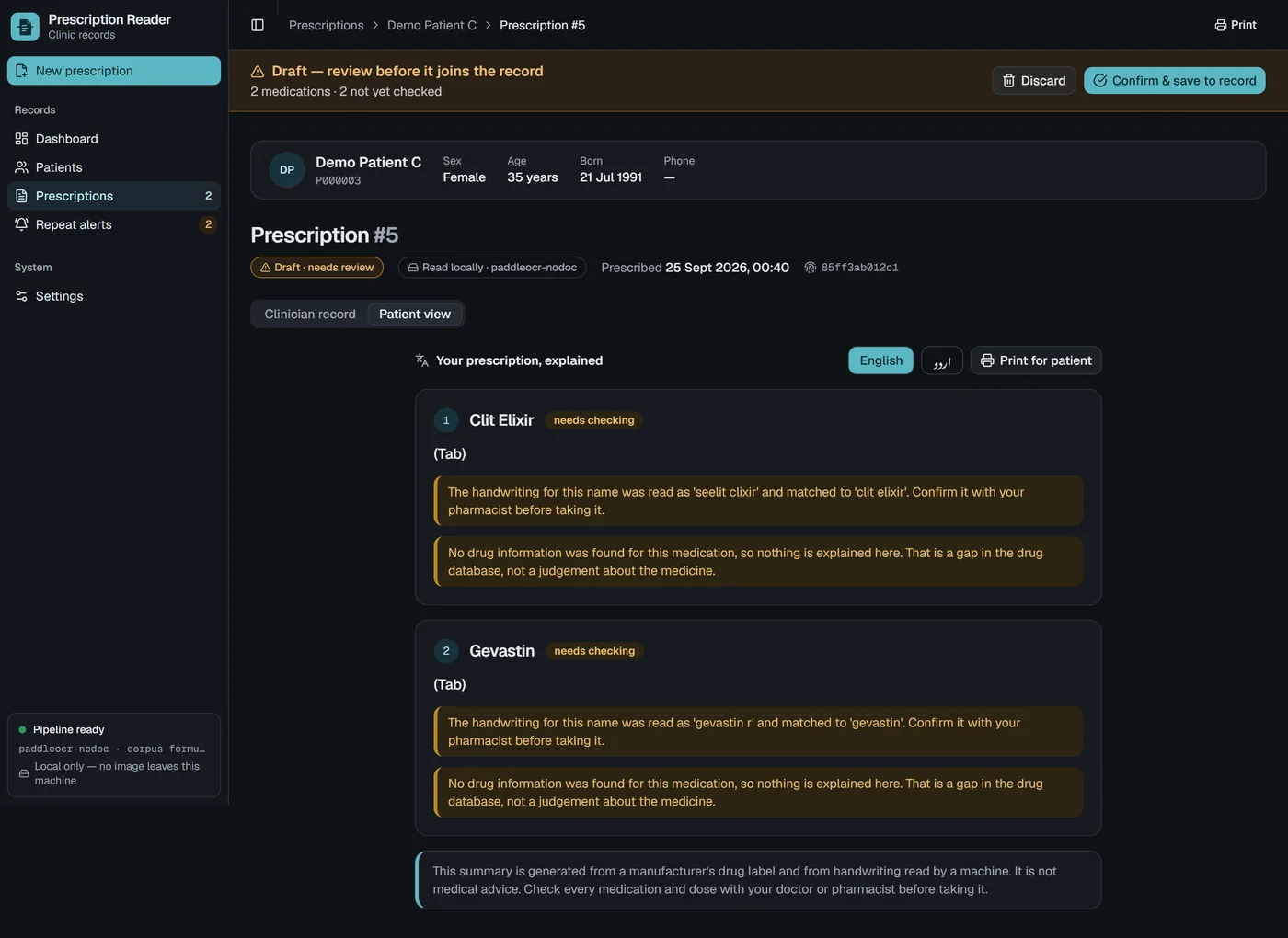
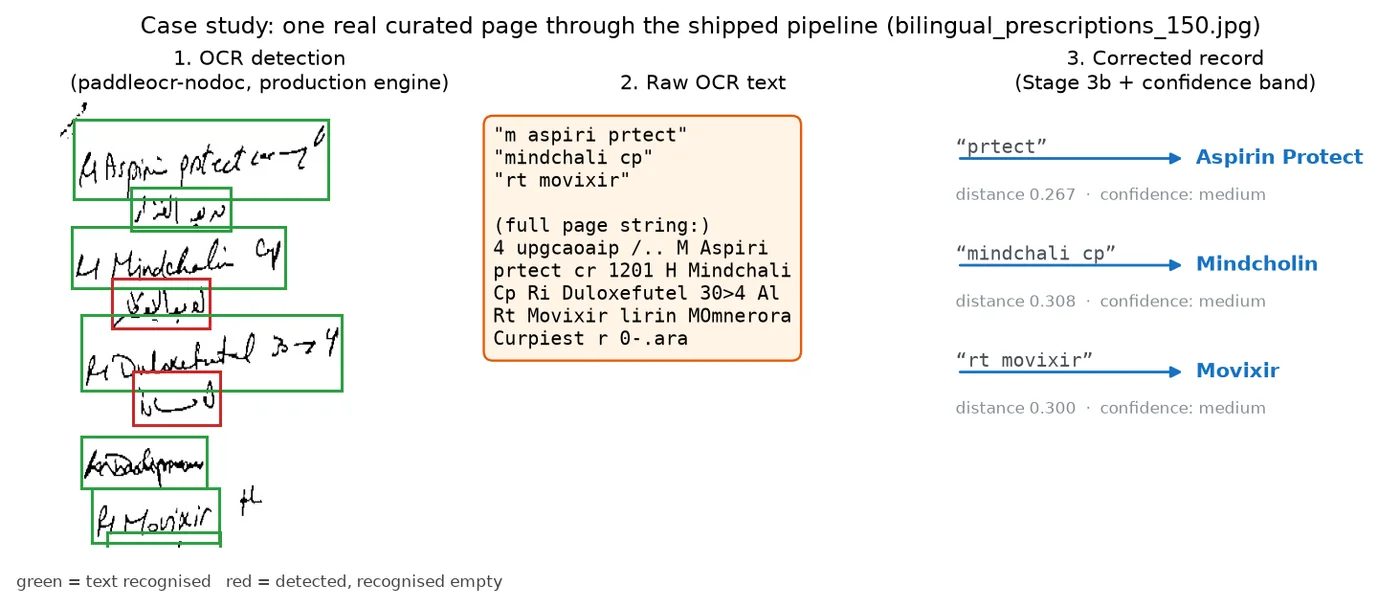
Every extracted medication displays the raw OCR text, the drug name it was matched to, the edit distance between the two, and a confidence band. When the pipeline is unsure it says so on that specific line, and the record stays a draft until a clinician confirms it. The page header counts how many entries need checking rather than burying them in the list.
Local by default
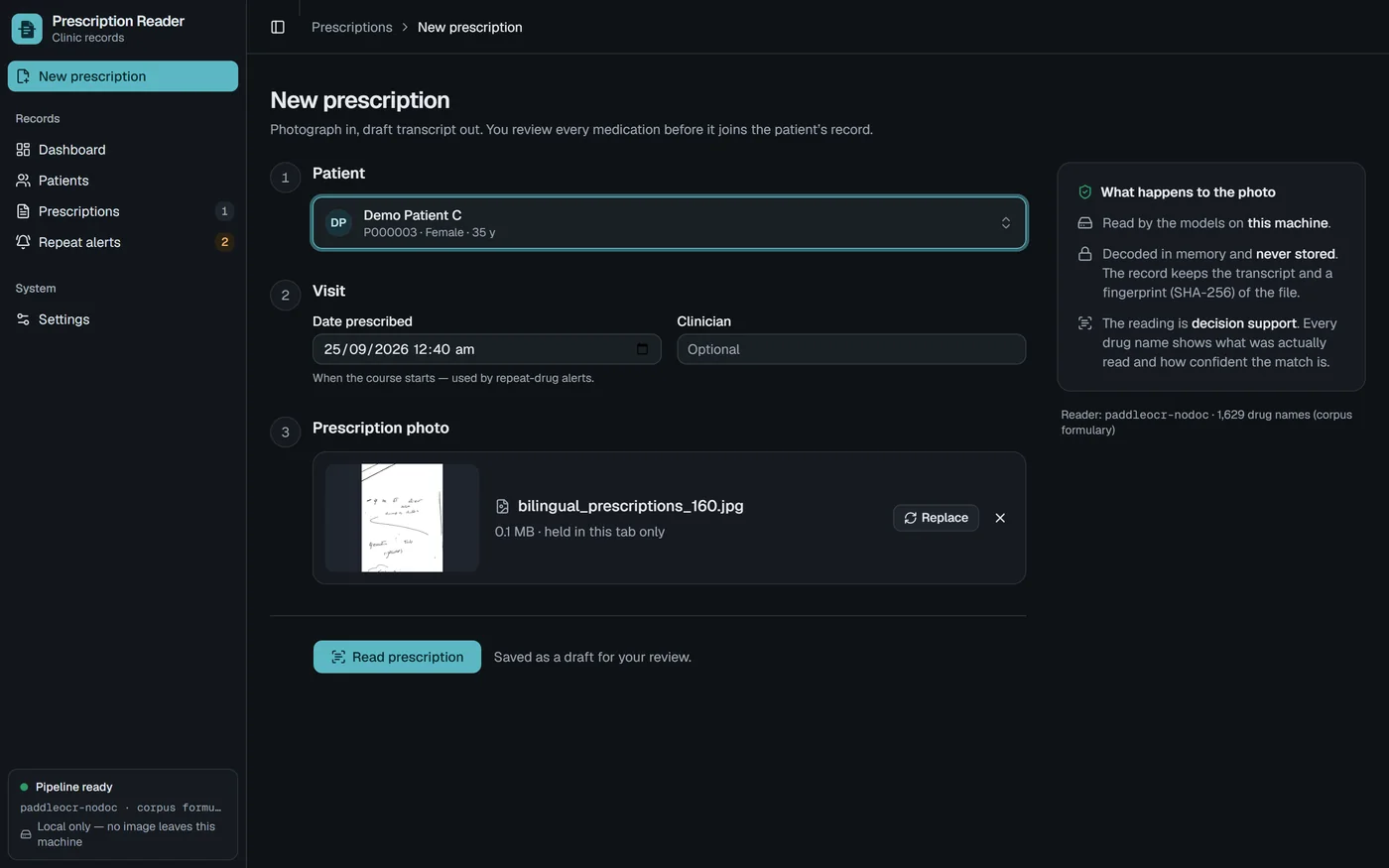
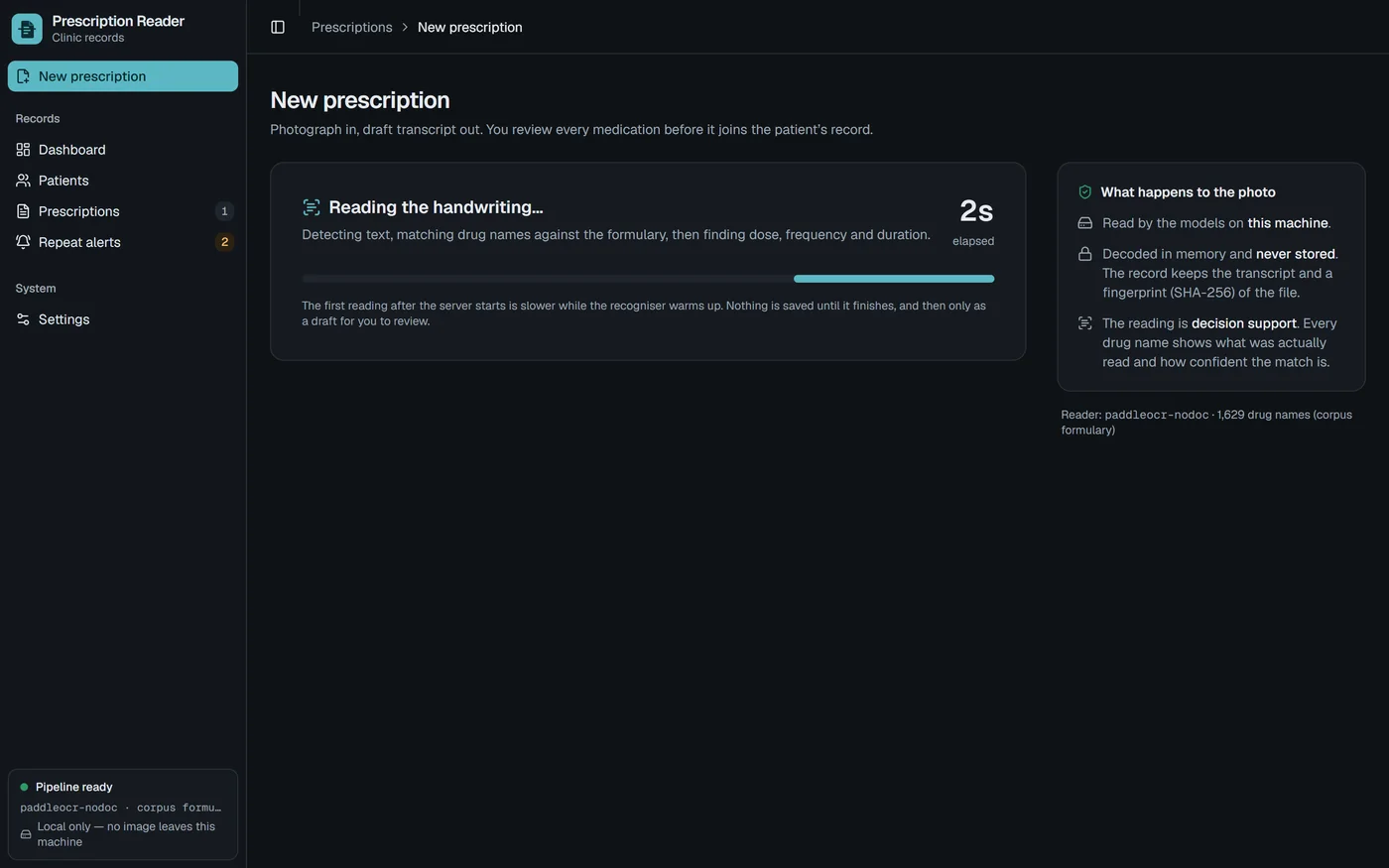
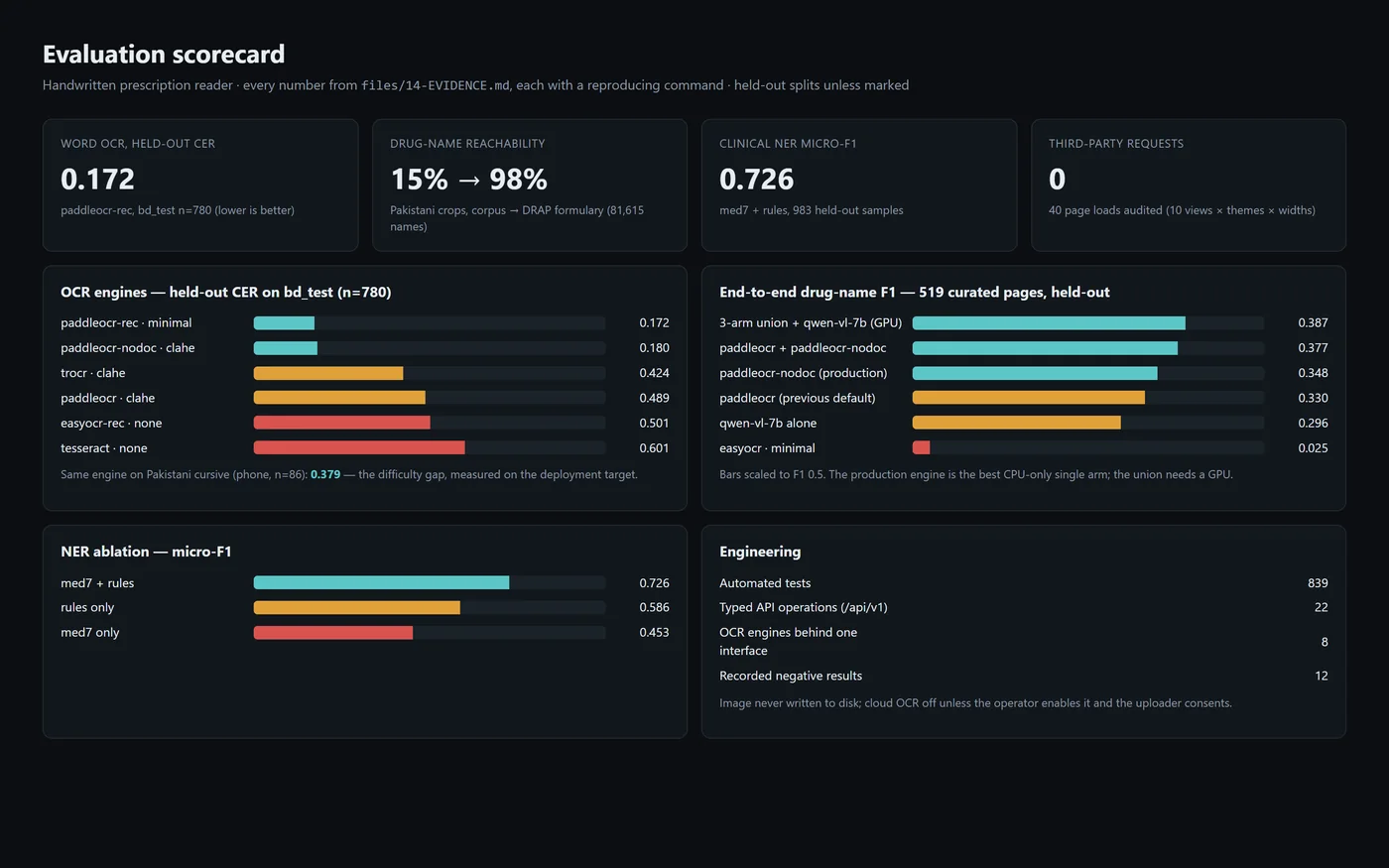
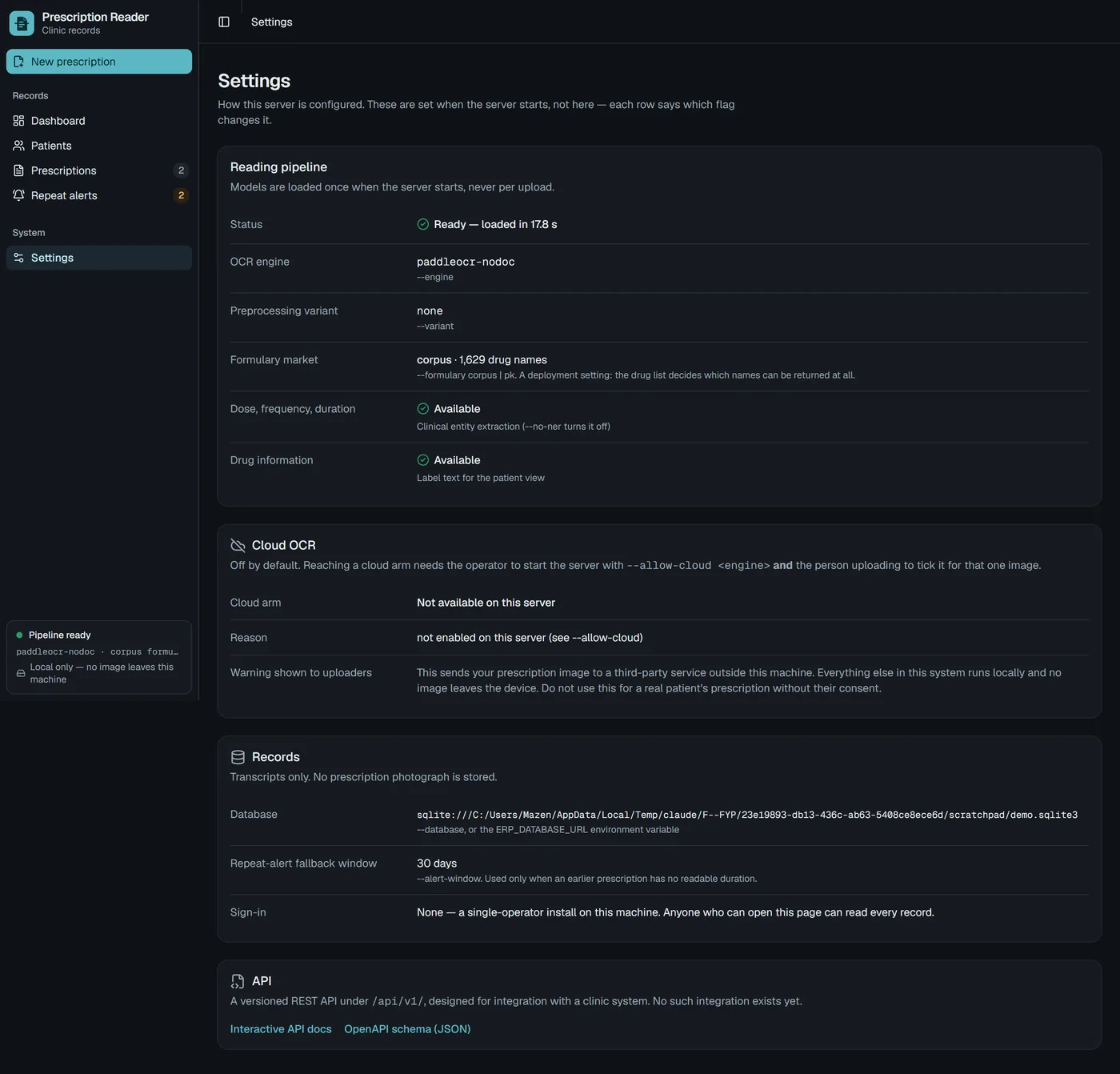
The whole pipeline runs CPU-only and offline. The evaluation scorecard records zero third-party requests, cloud OCR is switched off unless someone deliberately enables it, and the privacy panel states plainly that the photo is never stored. For medical images that is a design constraint, not a feature.
Measuring it honestly
The evaluation harness reports character error rate, drug-name reachability, NER F1 and page-level F1, alongside a pipeline trace that shows one page going from detection through raw OCR to corrected names. Page-level F1 is 0.348. That number is on the page because it is the reason the product is shaped as decision support rather than as an automatic reader.
Highlights
- Runs CPU-only and offline by default, the scorecard records zero third-party requests, and cloud OCR stays off unless switched on.
- Every medication shows raw OCR, the matched drug name, the edit distance between them, and a confidence band.
- Records stay drafts until a clinician confirms them, with the count of entries needing checking shown up front.
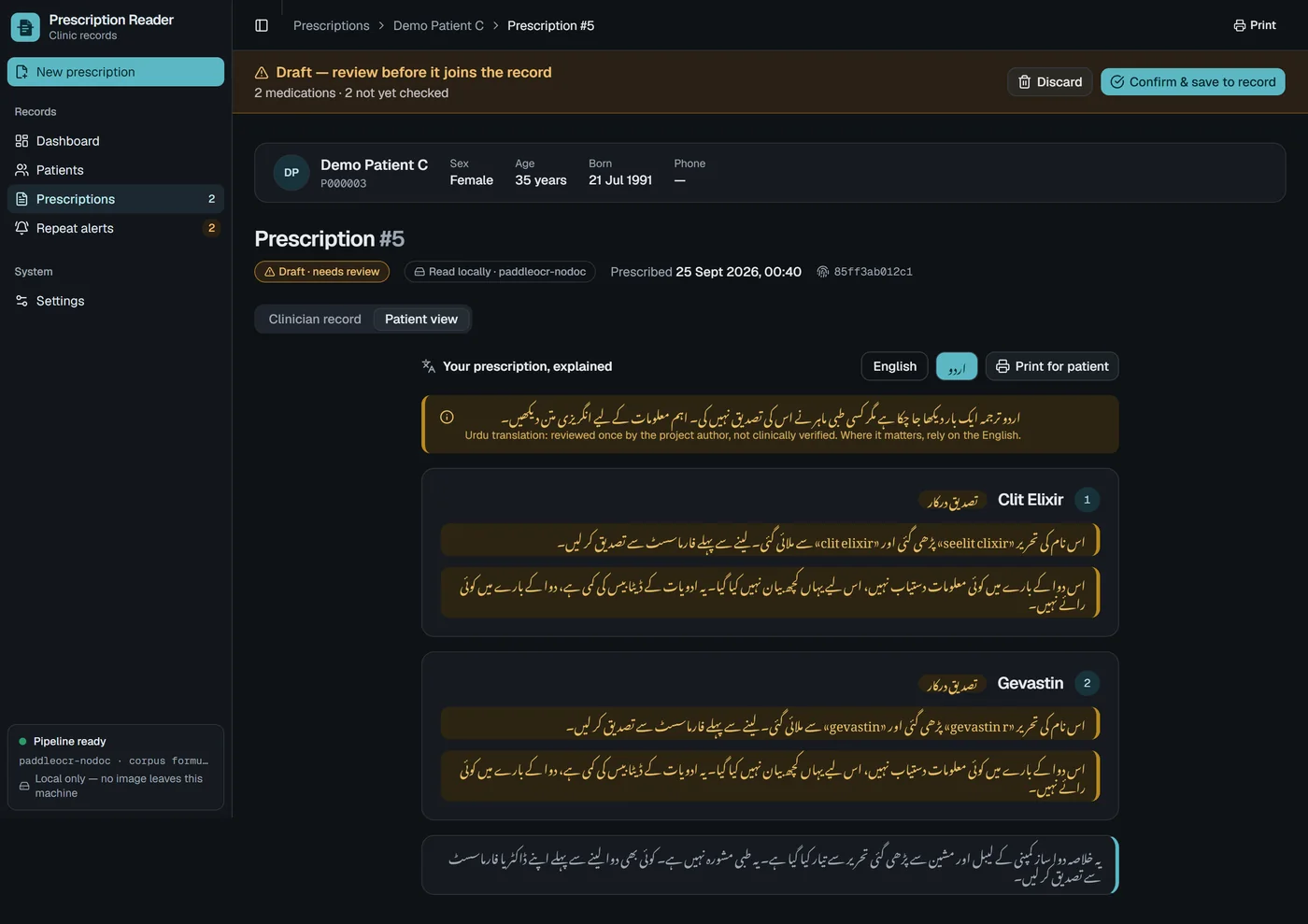
- Bilingual patient view in English and Urdu (right-to-left), with an explicit not-clinically-verified notice on the translation.
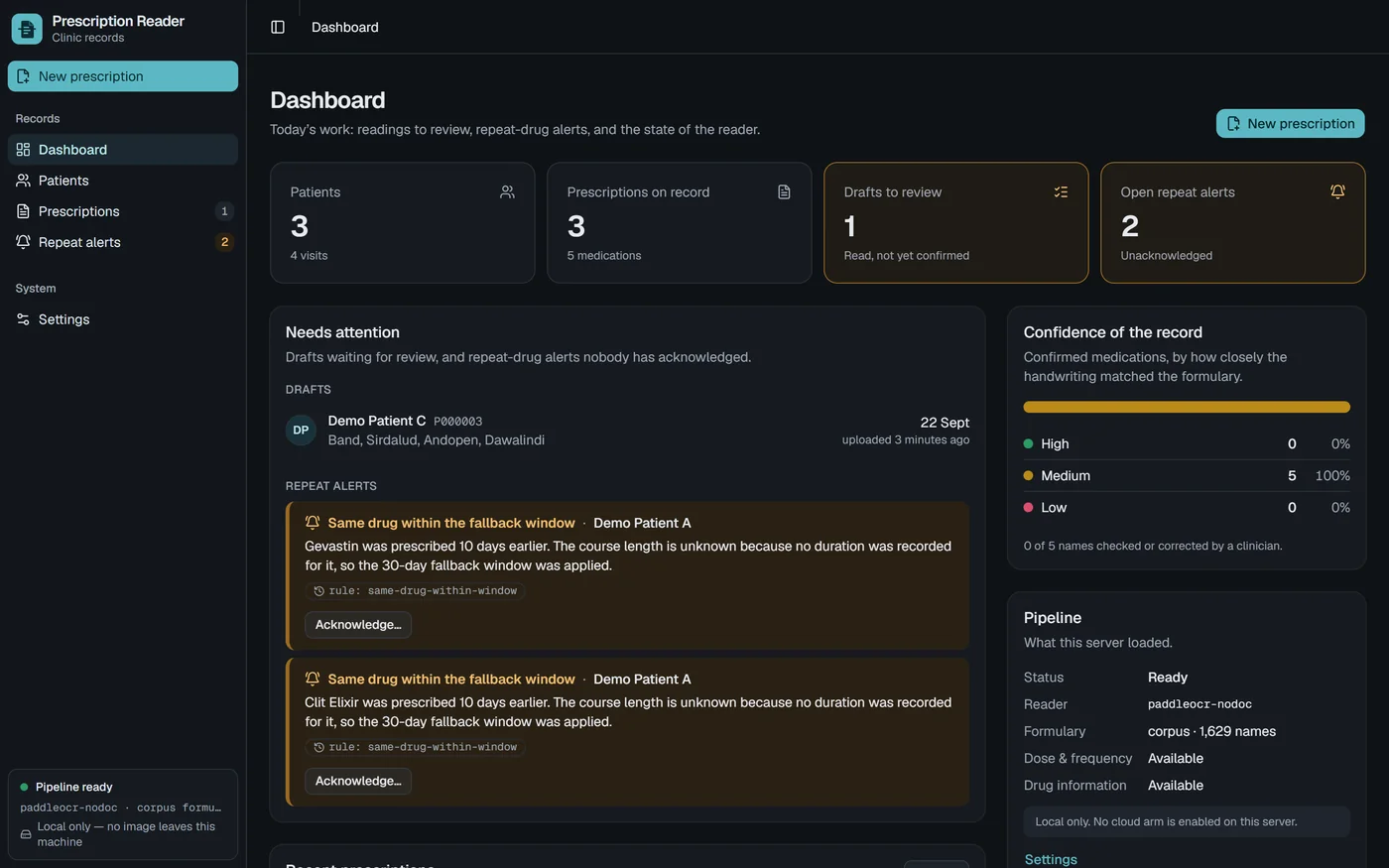
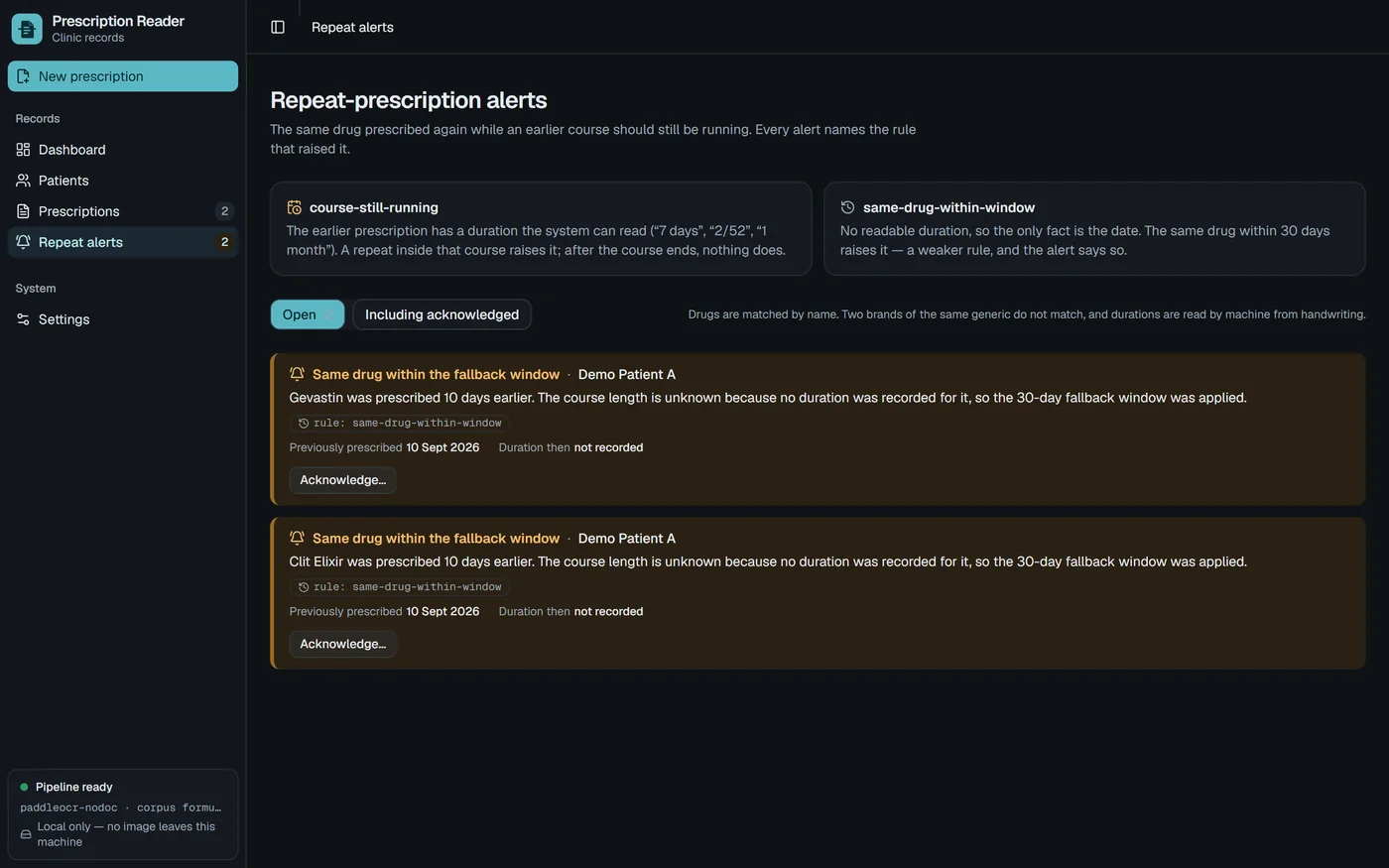
- Repeat-prescription alerts each name the rule that fired, rather than presenting a verdict with no reasoning.
- Measured rather than claimed: page-level F1 is 0.348, which is precisely why it is built as decision support.
Demo patients, staged dates and a throwaway database. The prescription images come from the public bilingual_prescriptions dataset. The reads themselves are unedited, the needs-checking badges are what the pipeline actually produced.